

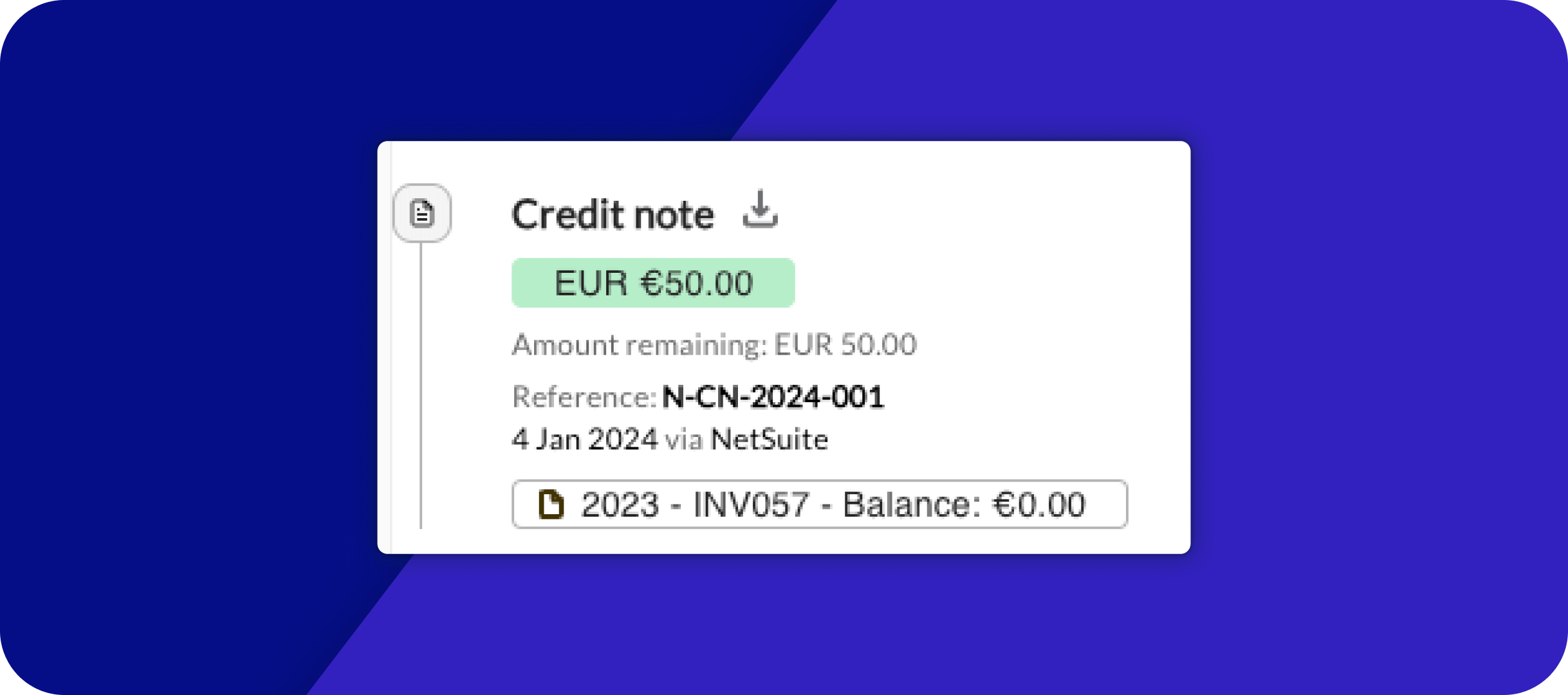
Download Credit Note PDF for NetSuite
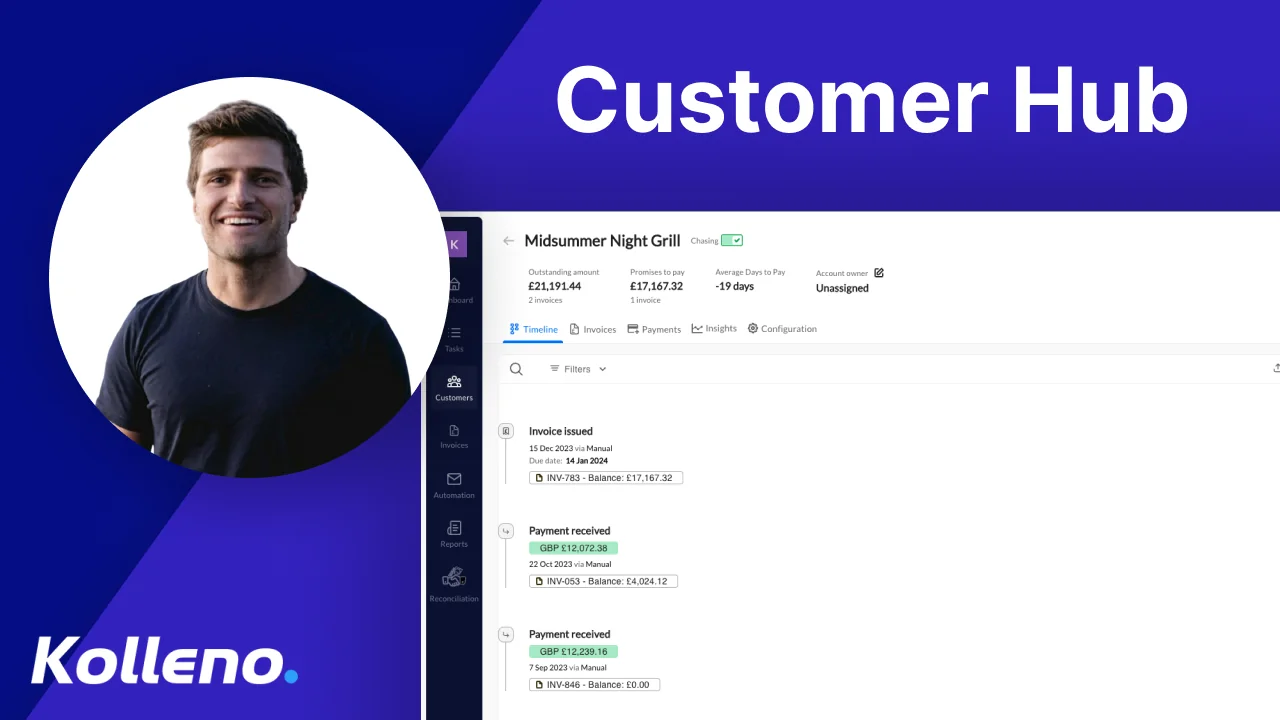
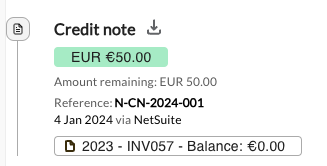
Just click on the arrow next to the credit note in the timeline to get its PDF:
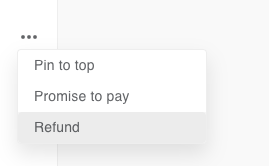
Refund a Credit Note from NetSuite
If the user created a credit note for the same value and linked to the same invoices as an Adyen or GoCardless payment charge, it is possible to click on “Refund” next to the credit note, and Kolleno will automatically:
- Figure out what payment charge to refund.
- Create a NetSuite “Refund” object linked to the Credit Note
Download a Credit Note PDF from the Open API
The Kolleno Open API now allows the users to download the PDF programmatically:
New Template Tags for balances totals
- Tag to use in your template to show the total balance of a customer based on a customer number of days.
Template Tag: Balance overdue by a number of days | Kolleno Limited Help Centre
- Use a tag that can list the balances of a customer, grouped by currency.
Template tag: Customer balances per currency | Kolleno Limited Help Centre
Custom Invoice Ref for NetSuite
For NetSuite integrations, Kolleno can set up a formula to change the invoice reference in Kolleno by taking the NetSuite fields and concatenating them. For example, use the invoice reference + the sales order.