

What is it?
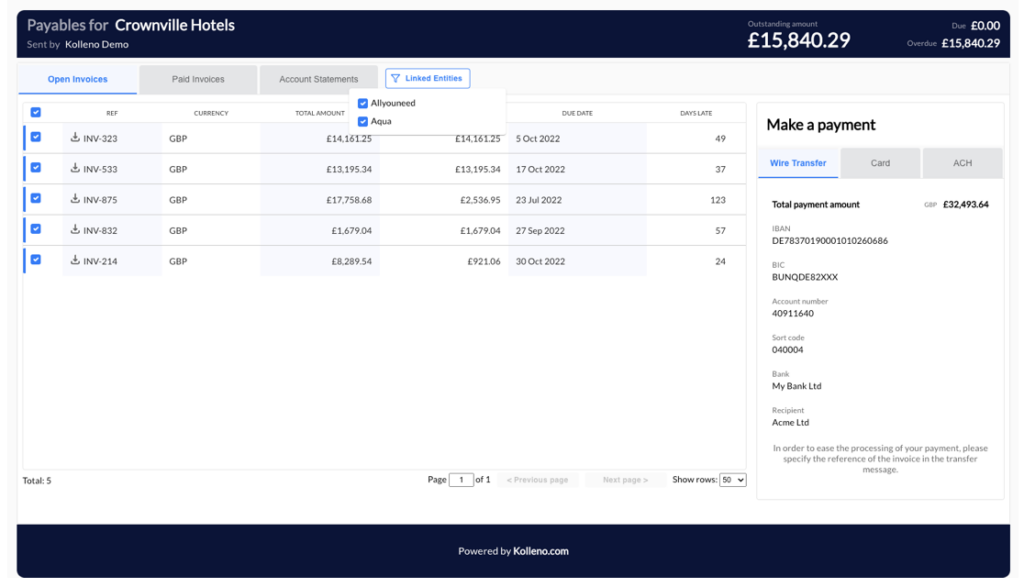
If your customer is ACME UK and want to see invoices from ACME US too on your portal, they can now see all your entities:
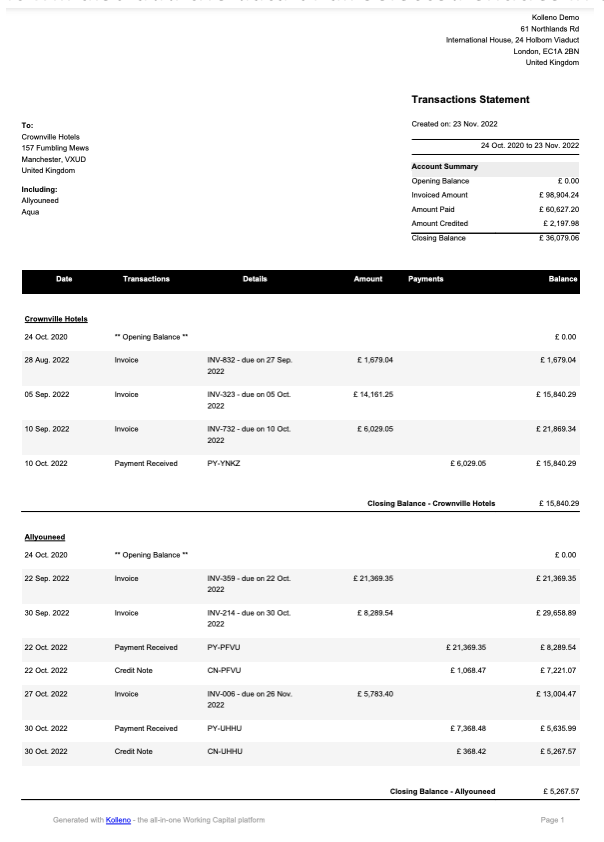
It will also add the data of all selected entities in the PDF Statements you download:
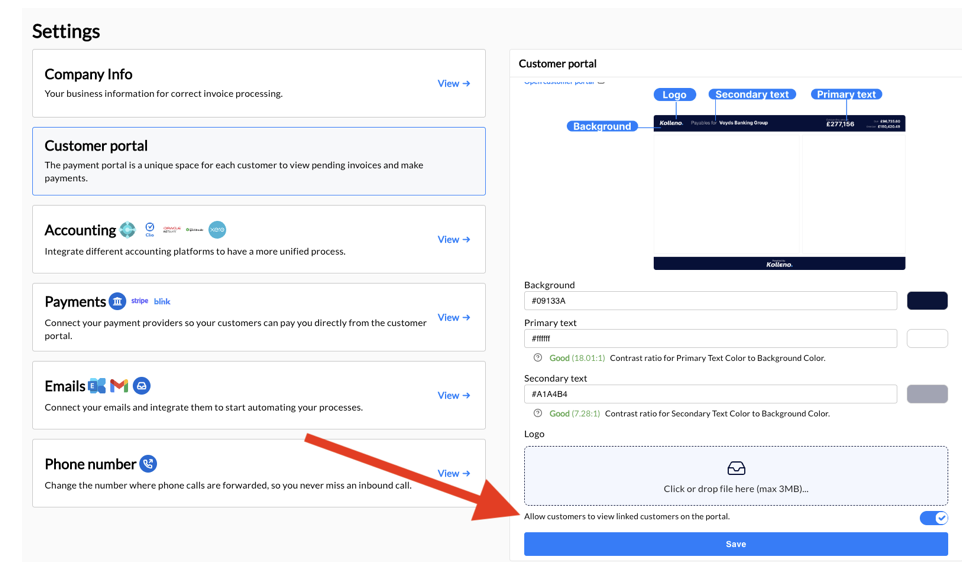
How do I activate this?
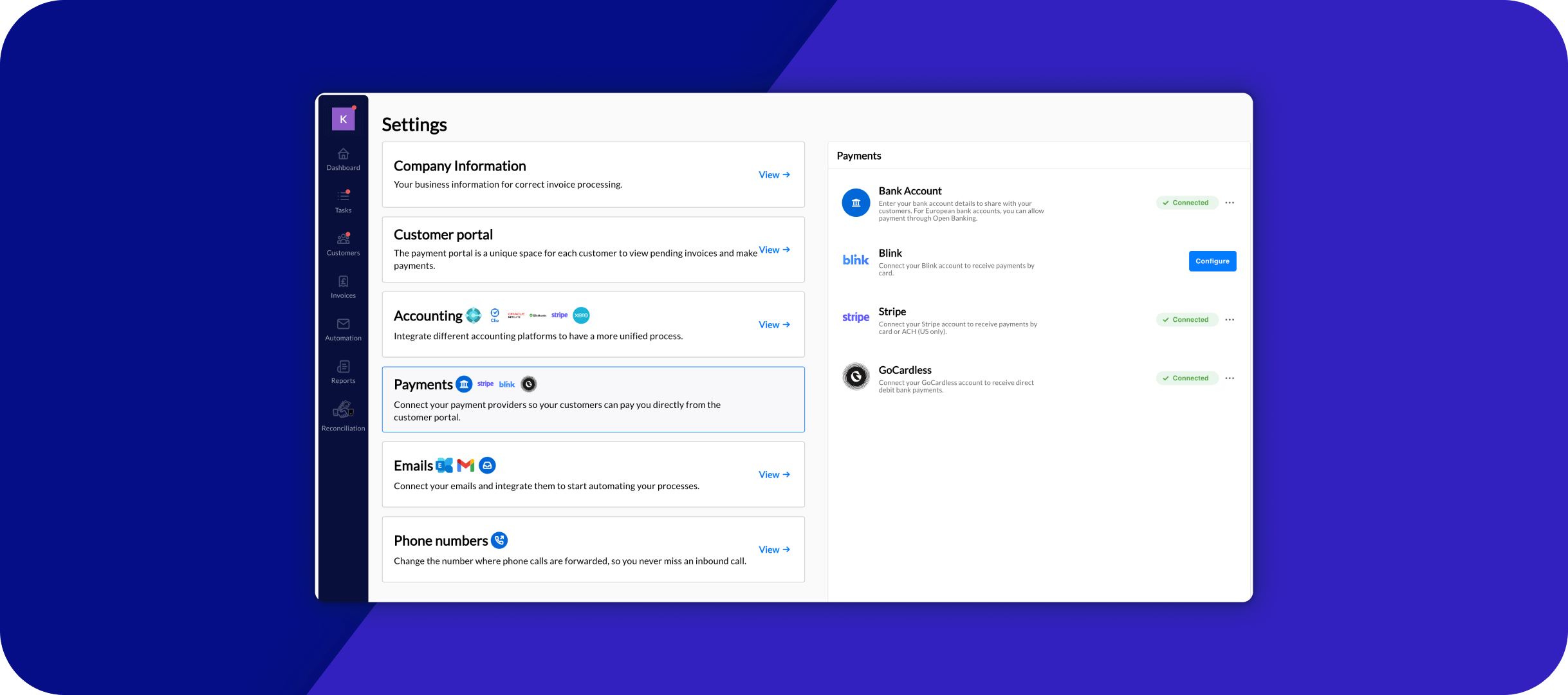
Just go to the settings and click “Allow customers to view linked customers on the portal.”
I don’t remember where to setup linked customers?
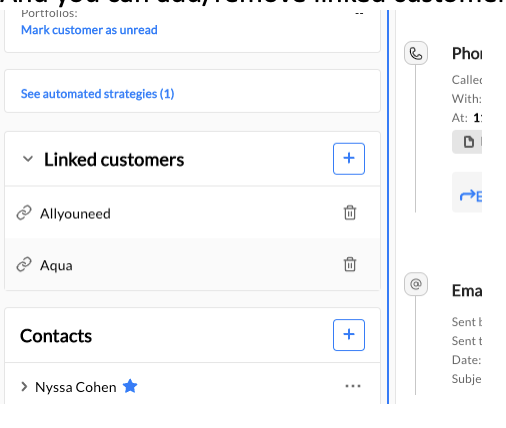
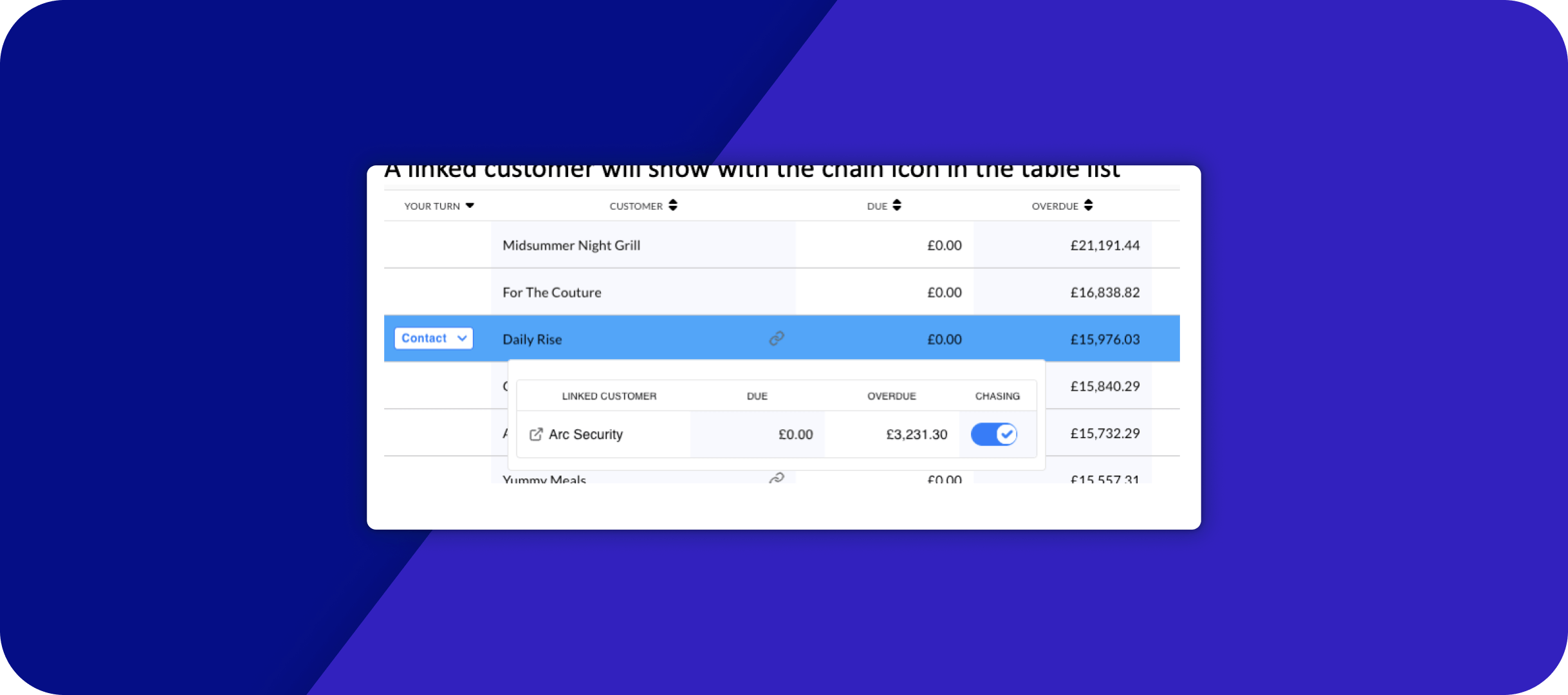
A linked customer will show with the chain icon in the table list
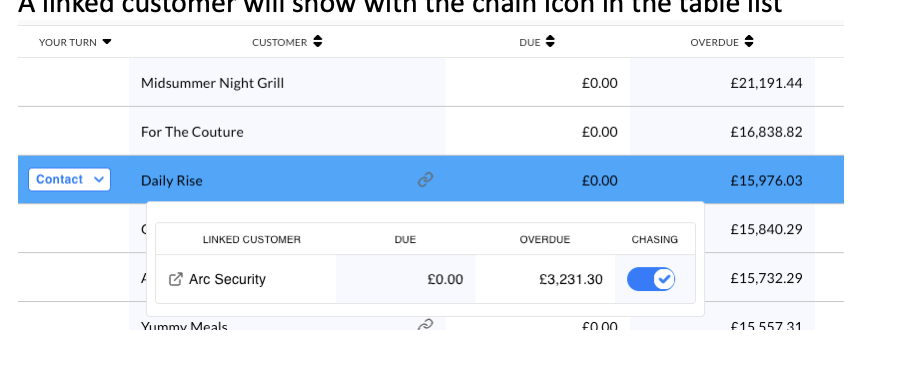
And you can add/remove linked customers on any Customer’s page: