

This month’s product updates are all about working comfortably and staying in control. We’ve hit a major accessibility milestone, tightened your grip on automations, sharpened the Task Manager, made customer statements more accurate, and added a new DSO dashboard to keep an eye on your collections health.
🚀 Work Without Barriers
Kolleno now meets WCAG 2.1 Level AA: the international standard for accessible software. Everyone on your team can work their way, with no dead ends or workarounds. Every part of Kolleno (menus, tables, forms and dialogs) works fully by keyboard, with screen readers like VoiceOver, NVDA and JAWS, and at up to 200% zoom. It also meets the standards behind Ontario’s AODA, the Accessible Canada Act and the EU’s EN 301 549, and a VPAT is available on request for procurement.

⚡ More Control Over Your Automations
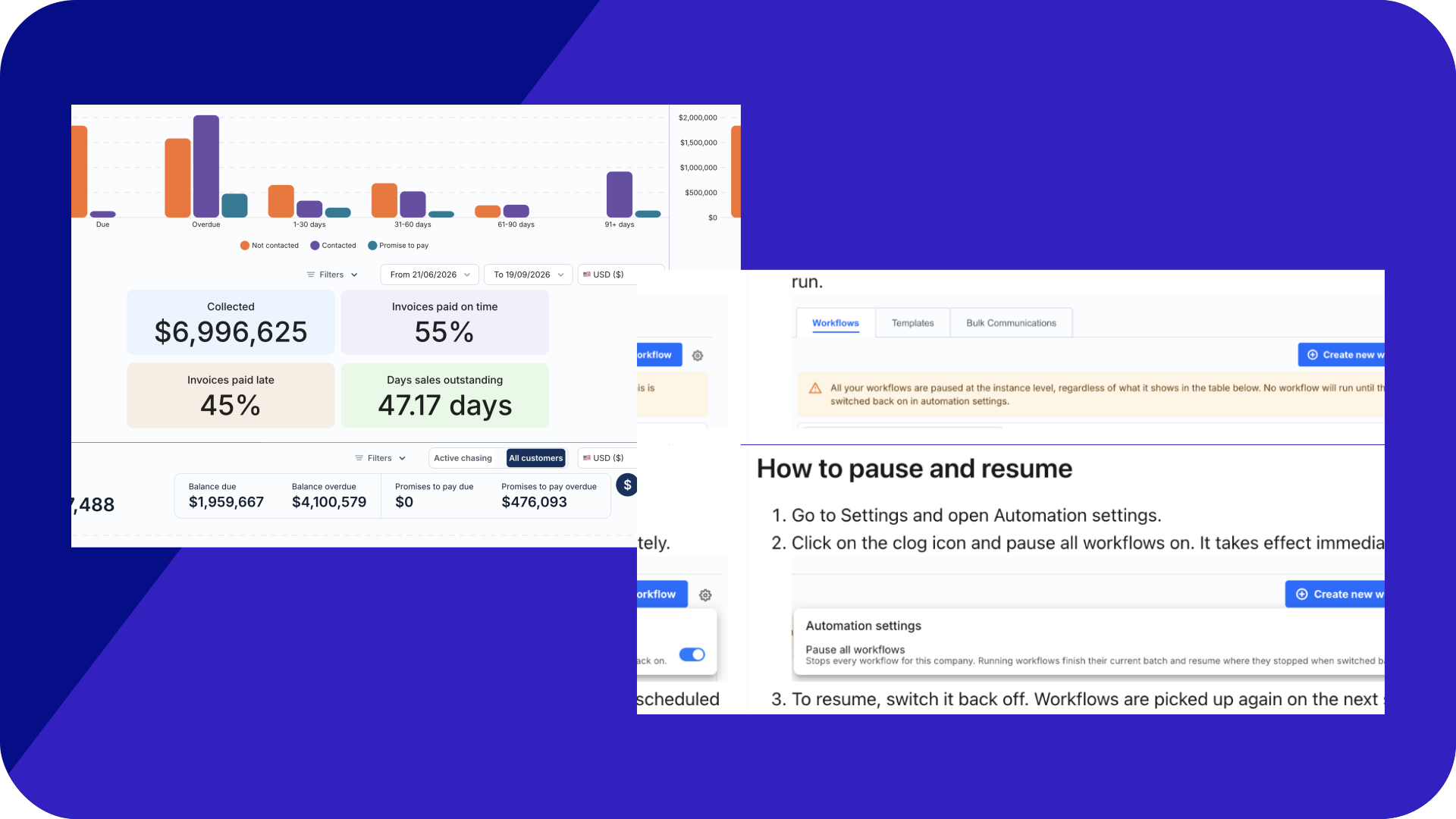
Pause every workflow at once: A company-wide switch stops all automation instantly, so you can hold everything during a bad data import or a shutdown and pick up exactly where you left off, with nothing lost.

Tag your workflows: Label workflows by segment, stage, or business unit and find the one you need instantly, even as your library grows.

Dynamic filters and saved views: Combine filters like status, tag, type, and owner, then save the views you use often so they’re one click away next time.

✅ A Faster, More Personal Task Manager
Full context, without leaving the task: Switch between a task’s linked steps and the customer’s complete timeline right where you’re working, so you have the full context to act on without piecing it together across separate screens.

Open to your preferred view every time: Pick list or cards view as your default and Kolleno remembers it, keeping your tasks laid out the way you prefer.

Focus on one type of task at a time: The new Category and Activity Type columns group tasks by type while optional last-event and last-communication columns show recent activity, so you know what each task involves at a glance.
Sort each tab your way: Sort by unseen changes, date created, date due, or whatever fits how you work, surfacing the tasks you care about first.
Cards that follow your sort: In card view, each card surfaces the value you’re sorting by, putting the detail you care about right in front of you as you scroll.

🧾 Statements That Show the True Balance
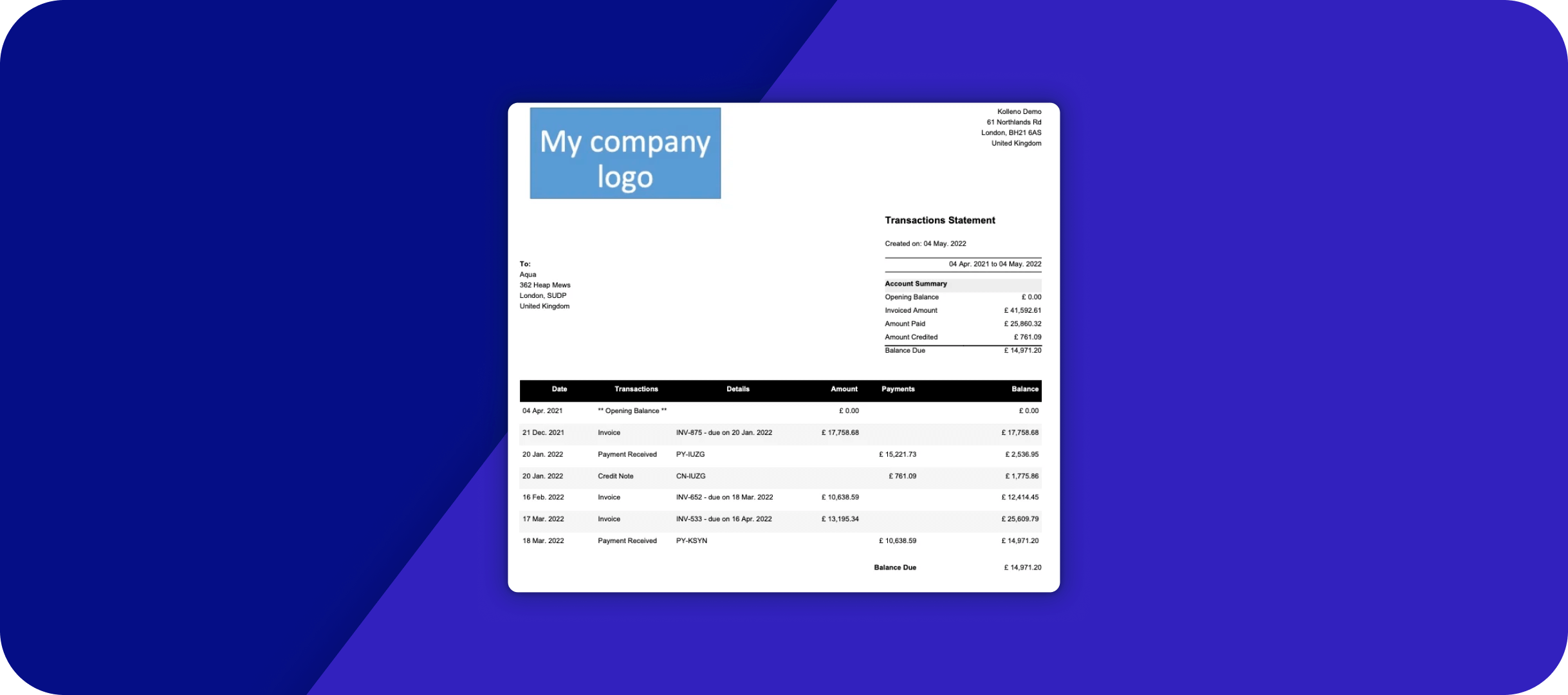
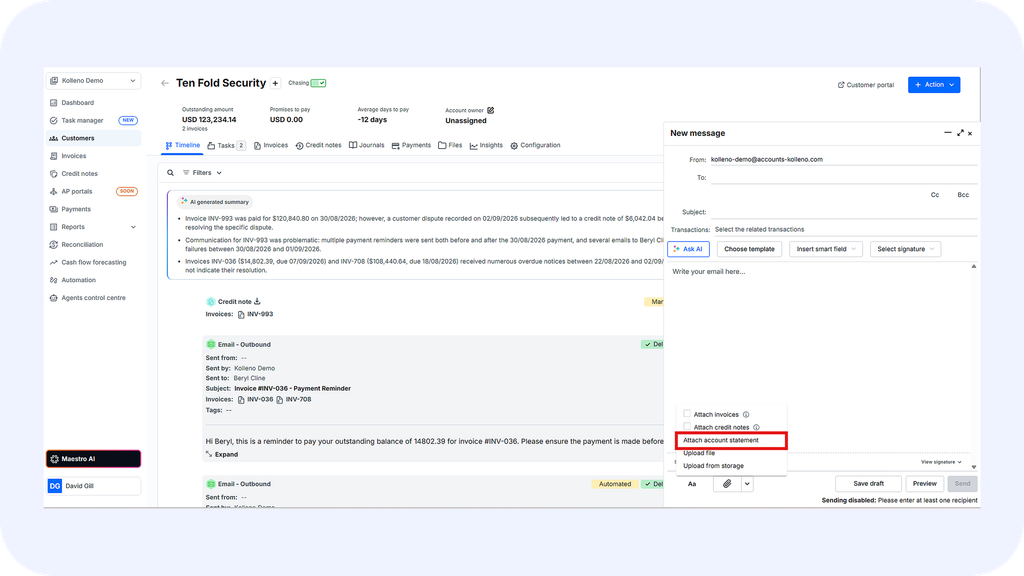
Net off credit notes on Open Items: The Open Items statement can now deduct unapplied credit notes from the balance, showing customers what they actually owe instead of a total inflated by credit sitting on file. It applies across PDF, Excel, email, the customer page, and the portal. To turn this on for your account, reach out to Customer Success.
📊 Keep an Eye on Collections Health
Track your DSO at a glance: Your Days Sales Outstanding now sits right on the main dashboard, alongside total collected and invoices paid on time versus late, giving you an immediate read on how fast you’re getting paid.

⏭️ What’s Next?
We’re continuing to build on the Task Manager, alongside advanced reconciliation rules, customizable Cash Flow Forecasting, and AP Portal integrations, with more to share on next month’s product update.
Ready to try these features? 👉 Log into Kolleno