

This month’s update puts more control in your hands across the order-to-cash cycle. You decide which events become tasks and collect forms and signatures without leaving Kolleno. Your timeline stays tidy with categorized, protected notes. Reconciliation and the Customer Portal are smoother, and the Salesforce and Business Central connections run deeper, with new ways to safeguard access.
📋 A Task List Built Around You
Choose which system notes open a task: Choose how automatic events like failed payments, bounced emails, and promise-to-pay updates are handled. Set each to always open a task, never open one, or leave the call to the AI. Task creation fits your own process, keeping the list focused on the work that matters to your team.

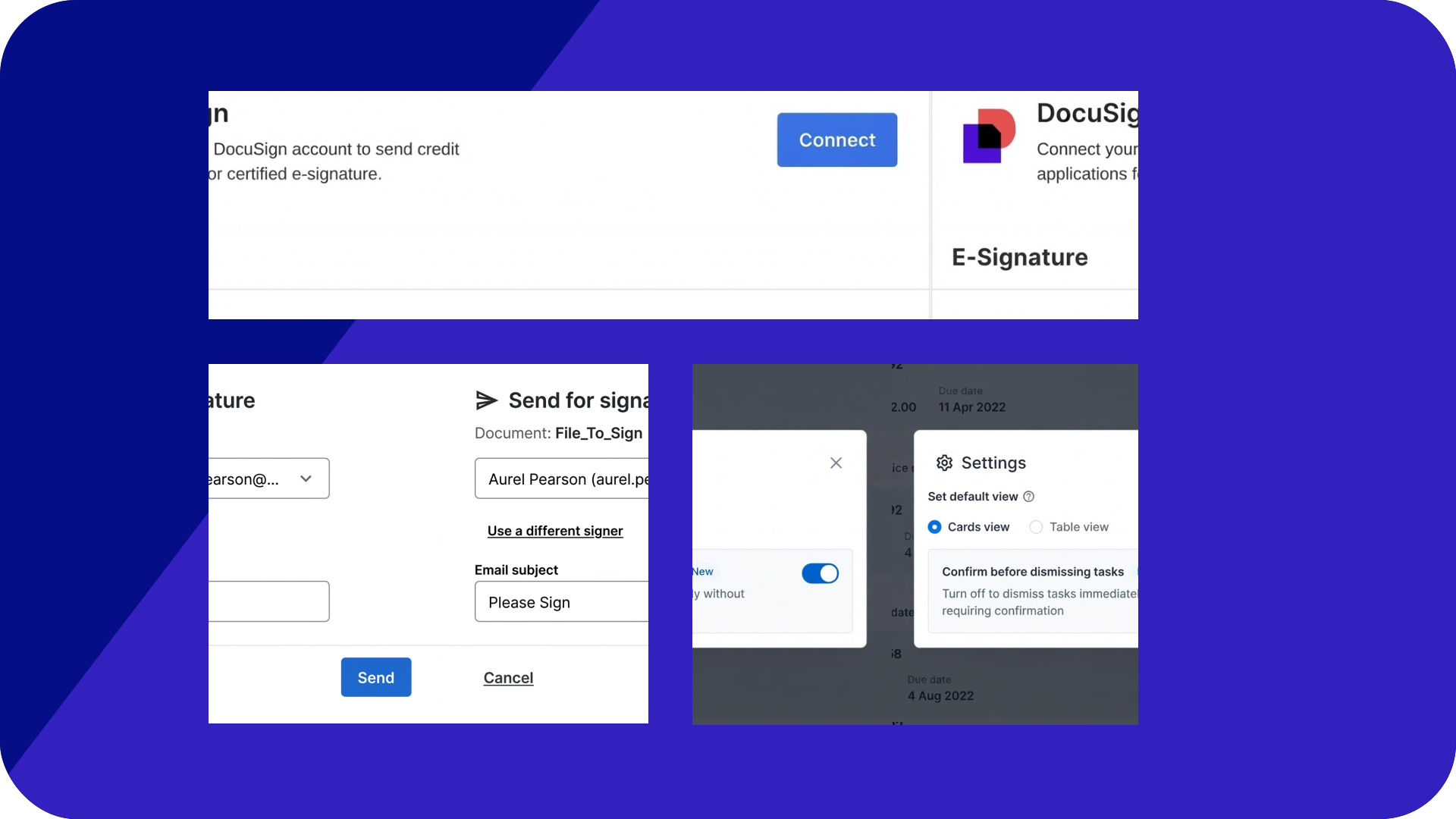
Dismiss tasks in one click: Switch off the dismiss confirmation and tasks close straight away. High-volume teams work through the list faster. The confirmation stays on unless you turn it off.

Understand how the AI Playbook decides: Two new guides walk through what the Playbook can and can’t react to, and how it handles promises to pay, making your rules easier to write and your outcomes easier to explain.
⚙️ Sharper, More Precise Workflows
Tag only the invoices that triggered a workflow: Customer-level workflows can now tag just the invoices matching the trigger, rather than every invoice on the account. Your tags, reports, and filters stay accurate.

Keep emails flowing when a contact is blocked: When a contact bounces or marks an email as spam, Kolleno skips them and delivers to everyone else. Your chasing sequence stays on track. To turn this on for your account, reach out to Customer Success.
Remove contacts from recipient selection: Hide specific contact levels or positions so they can’t be picked as workflow recipients. It’s a simple guard against reminders reaching the wrong people. To turn this on for your account, reach out to Customer Success.

📝 Tidier Notes, Trusted Records
Categorize a note: Give each note a business category, from the same list as your task categories. Filter a customer’s timeline by category to find any dispute or payment-plan thread in seconds.

Restrict note editing to its author: Only the original author and your admins can edit a note, with attribution kept intact. Your timeline becomes a dependable record of who said what. It’s the kind you can stand behind in an audit or dispute. To turn this on for your account, reach out to Customer Success.
Set maximum note length: Limit how long a note can be, with a live character count as you write. An oversized note is caught on the spot, rather than when its length blocks it from syncing to your other systems. To turn this on for your account, reach out to Customer Success.
✍️ Forms and Signatures, All in One System
Send customers a custom web form: Send a branded form to collect anything from billing details to credit applications. Answers save automatically to the customer record and the Files tab. To get started, reach out to Customer Success and they’ll set your forms up with you.
Connect your DocuSign account: Link DocuSign directly to Kolleno and handle certified e-signature in the same place you manage everything else, with no need to switch tools.

Send documents for e-signature: Send any file from a customer’s Files tab to DocuSign for certified signing without leaving Kolleno. Every file shows its signature status, audit trail, and signed date, giving you a clear view of where an agreement stands.

💵 Smoother Uploads, Sharper Reconciliation
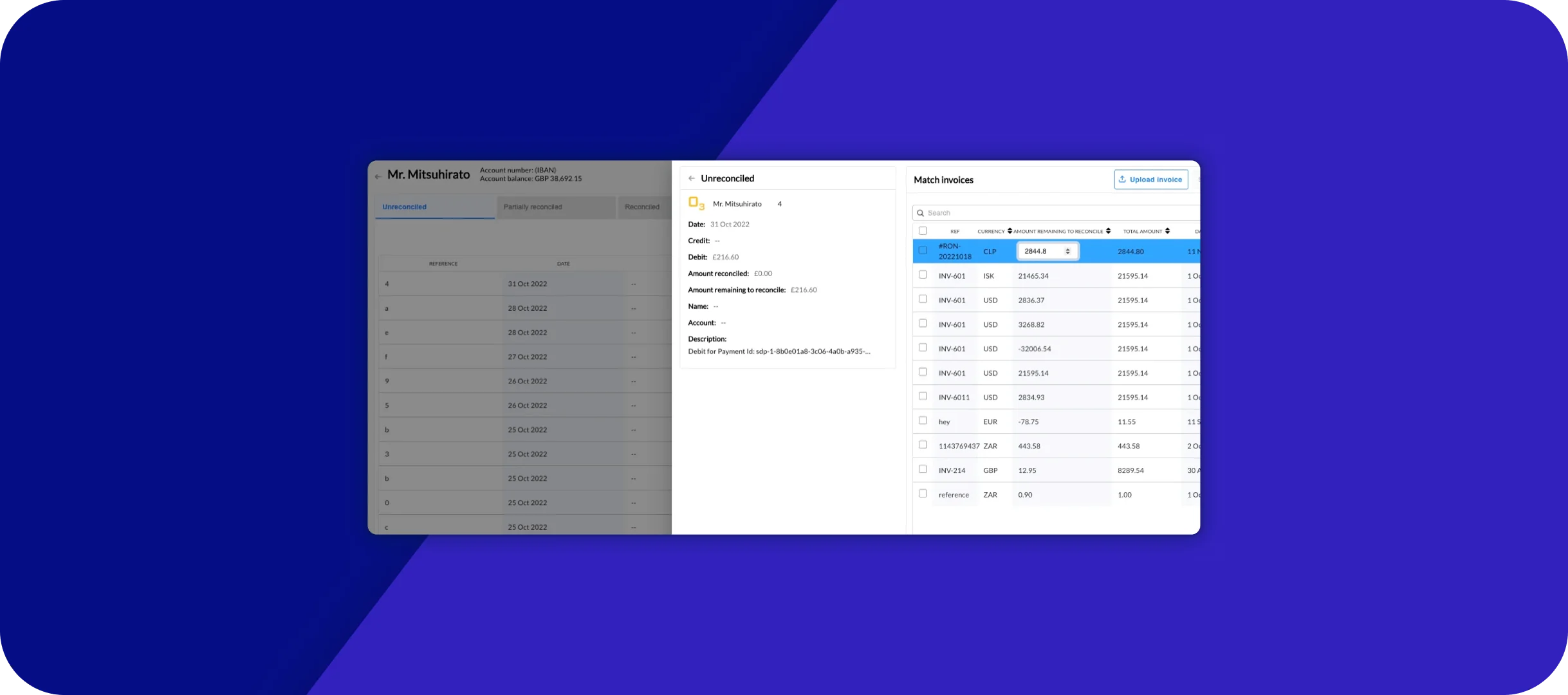
Remittance uploads up to 150MB: Large remittance files from your biggest payers go through in a single upload, and if one fails, Kolleno tells you why, letting you fix the file and retry instead of guessing.
Account balances from BAI2 uploads: Upload a BAI2 file manually and Kolleno pulls its closing balance through to the account balance in Reconciliation, keeping balances current even for accounts without a live bank feed.
Remittance file previews: A remittance that lists an invoice Kolleno can’t find is flagged, making missing or mistyped references stand out straight away. Already-applied remittances are kept separate from those still waiting, giving your team a clearer, better-organized view of what’s left to match.

💳 Easier Payments for Every Customer
Display banners on the Customer Portal: Schedule messages at the top of the portal, for every customer or only the ones they concern. Use them to announce bank detail changes, holiday closures, or a new payment method, right where customers go to pay.

One GoCardless mandate, several customers: A single GoCardless mandate can now cover several of your customers at once, such as a parent company paying for its subsidiaries, collecting from all of them by direct debit. To turn this on for your account, reach out to Customer Success.
Bring in saved payment methods automatically: Kolleno can pick up a payment provider’s customer identifier from a field on your NetSuite customer record. It then pulls in that customer’s existing payment methods automatically, with no manual matching.
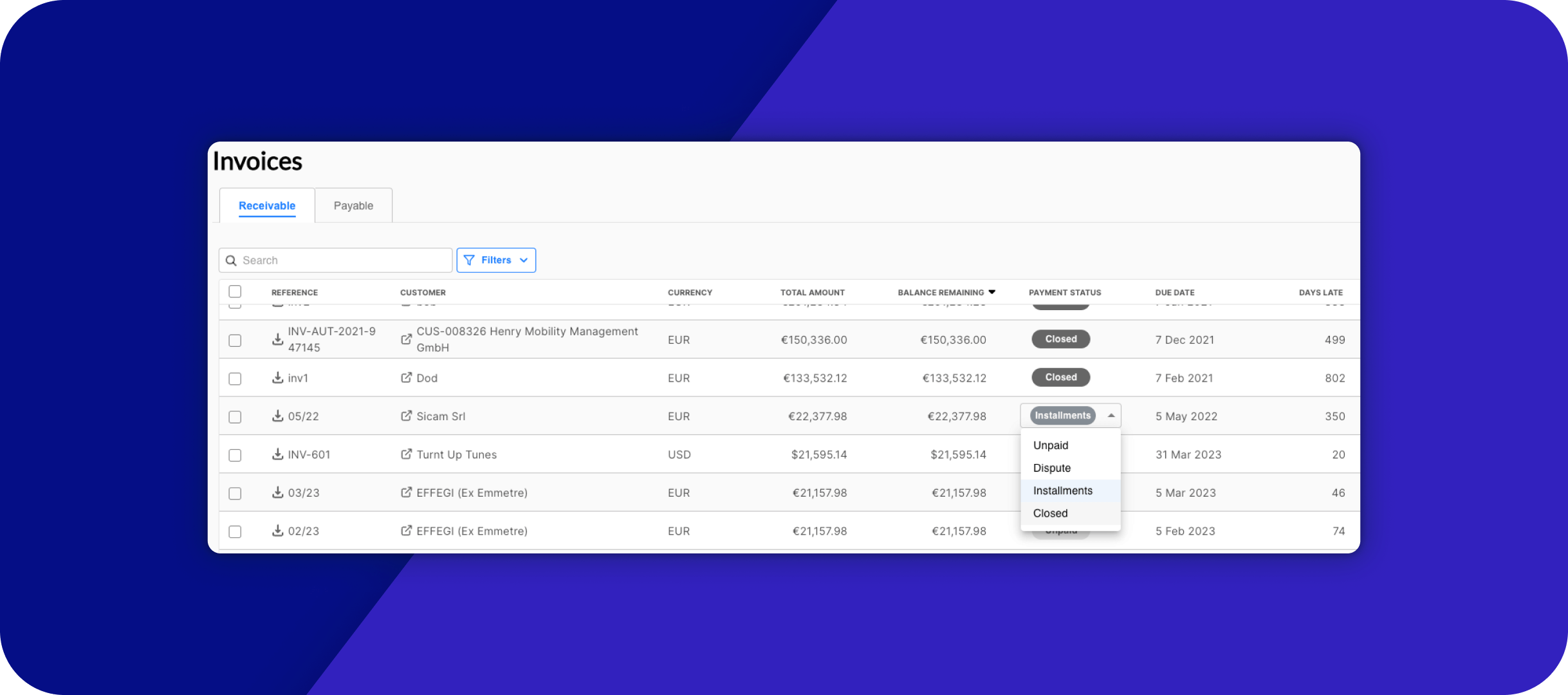
Record a payment manually: Log payments Kolleno can’t detect on its own, such as those on invoices migrated from a previous ERP. Customer balances and reports stay complete. To turn this on for your account, reach out to Customer Success.
Configure automatic payments: Read the updated guide to configuring automatic payments across Stripe, GoCardless, and Adyen
📊 Better Statements, Clearer Trends
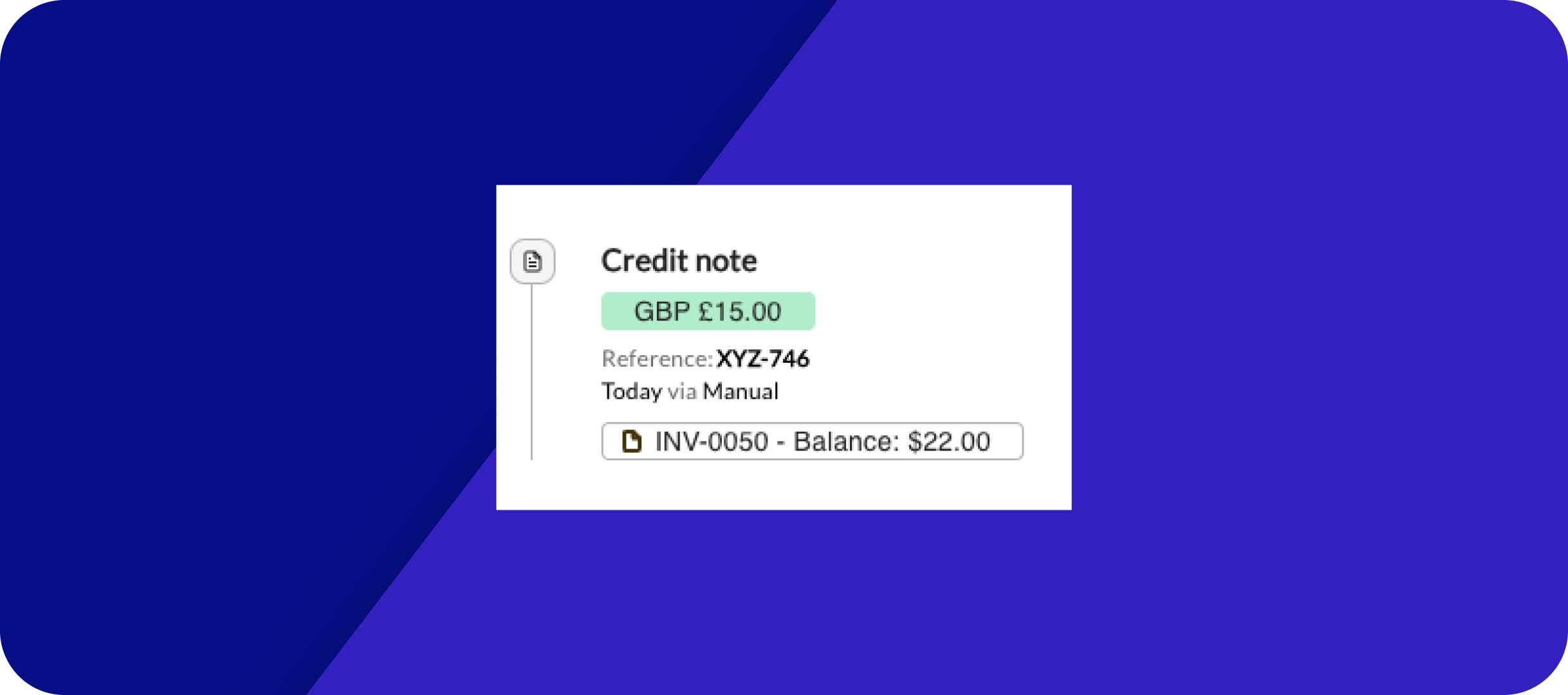
Send a complete statement without attachments: Drop a customer’s full open-items statement into any email with one smart field. The table lists open invoices, credit notes, and unapplied payments together. Customers see exactly what they owe, with no separate attachment.

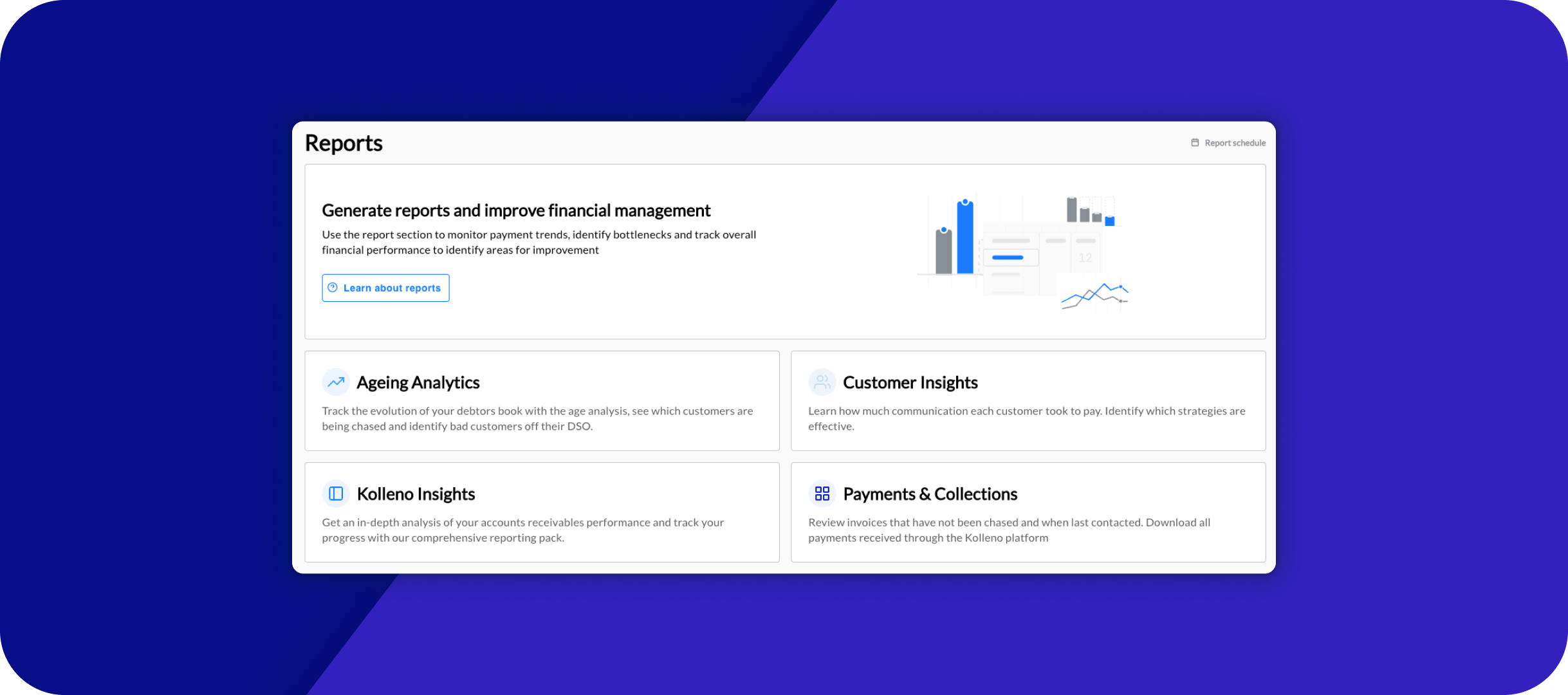
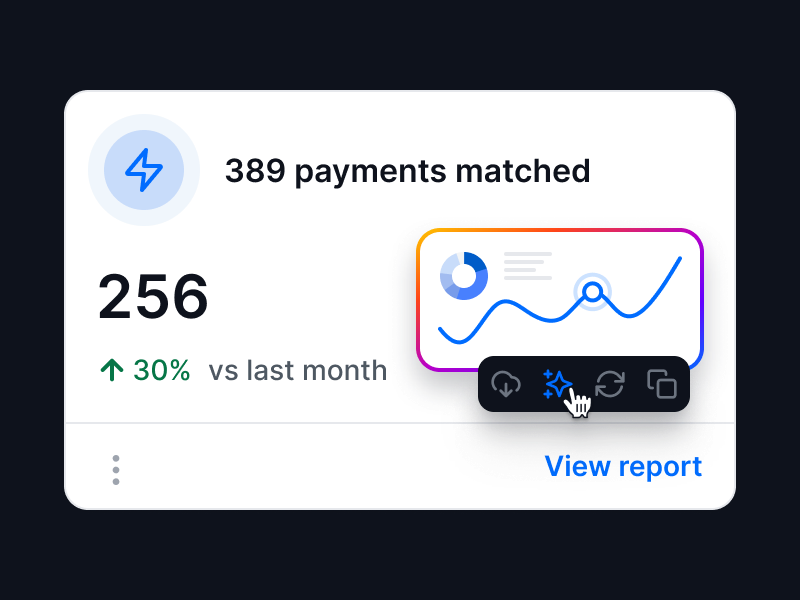
Track your DSO over time: Building on last month’s DSO Dashboard, a new downloadable report tracks how your Days Sales Outstanding has moved over any date range. You get a daily series, a monthly summary, and the receivables and sales behind every reading.

🔗 Tighter Integrations, Smoother Sync
Keep Salesforce Chatter focused on the right accounts: Post the Kolleno timeline to Salesforce Chatter for all customers, or only the portfolios, tags, or customers you choose. Your sales team stays focused on the accounts they care about.

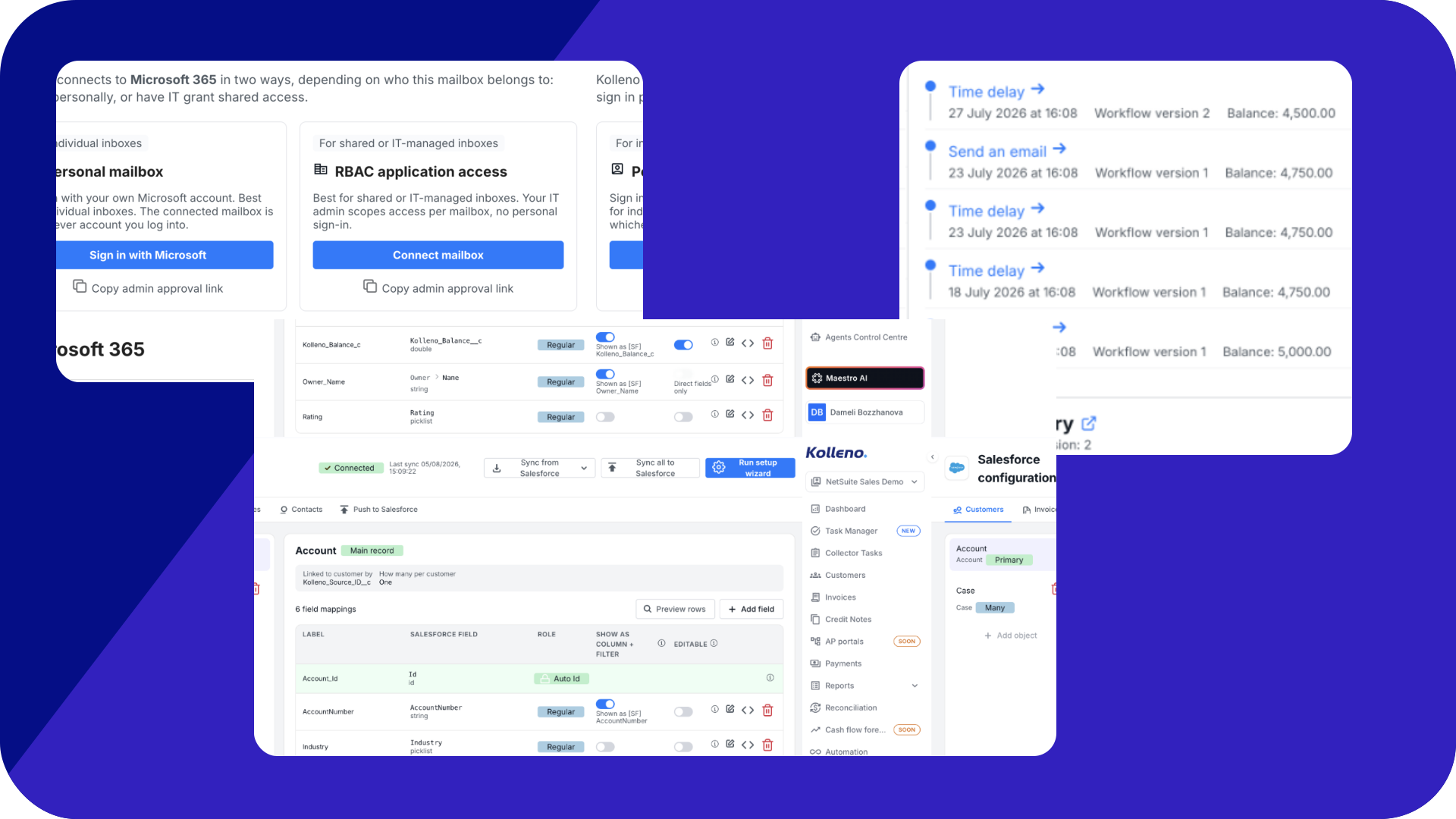
Bring Salesforce IDs into one clear view: The automatic ID mapping now has its own “Show as column + filter” toggle, letting you display and filter by Salesforce record IDs directly in your Kolleno tables. Everything you need is on one screen, with no switching between systems to check an ID.
A smoother Business Central connection: Setting up Business Central is now simpler. When you connect, Kolleno pre-fills your last environment name and gives you a copyable admin approval link to send to your Microsoft admin
Fix a blocked connection: When Business Central won’t connect, a new guide walks you through getting admin approval sorted, so you’re not stuck on a failed connection.
Change your Business Central environment with ease: A step-by-step guide covers how to point Kolleno at a different Business Central environment. It tells you exactly what we need from you to make the change quickly and correctly.
Get your ERP’s custom fields into Kolleno: Request custom fields from NetSuite or Business Central to be imported and kept in sync, making them available for your filters, workflows, and smart fields. A clear process lays out exactly what we need from you to set them up.
Skip manual contact entry: Turn an email column in your SFTP customers file into a contact for each customer, kept in sync on every import. No more adding contacts one by one.
🛡️ Stronger Control Over Access
Review recent sign-ins: See every place your account has signed in over the last 7 days. End any session you don’t recognize, or sign out everywhere at once. New-device sign-ins trigger an email alert, keeping you the first to know if something looks off.
Lock your API to trusted IPs only: Restrict Open API access to the source IP addresses you nominate. Any request from elsewhere is rejected even with a valid key, adding a strong layer of protection against unauthorized access.
Run SSO through your own Microsoft setup: For clients on dedicated infrastructure, you can connect Microsoft SSO to an Entra app registration your own IT team owns and controls. Everything stays within the setup they already manage.
Add users across instances with Okta SSO: Provision users across several Kolleno instances with Okta and a CSV list, so groups running separate entities can add people in bulk rather than one by one.
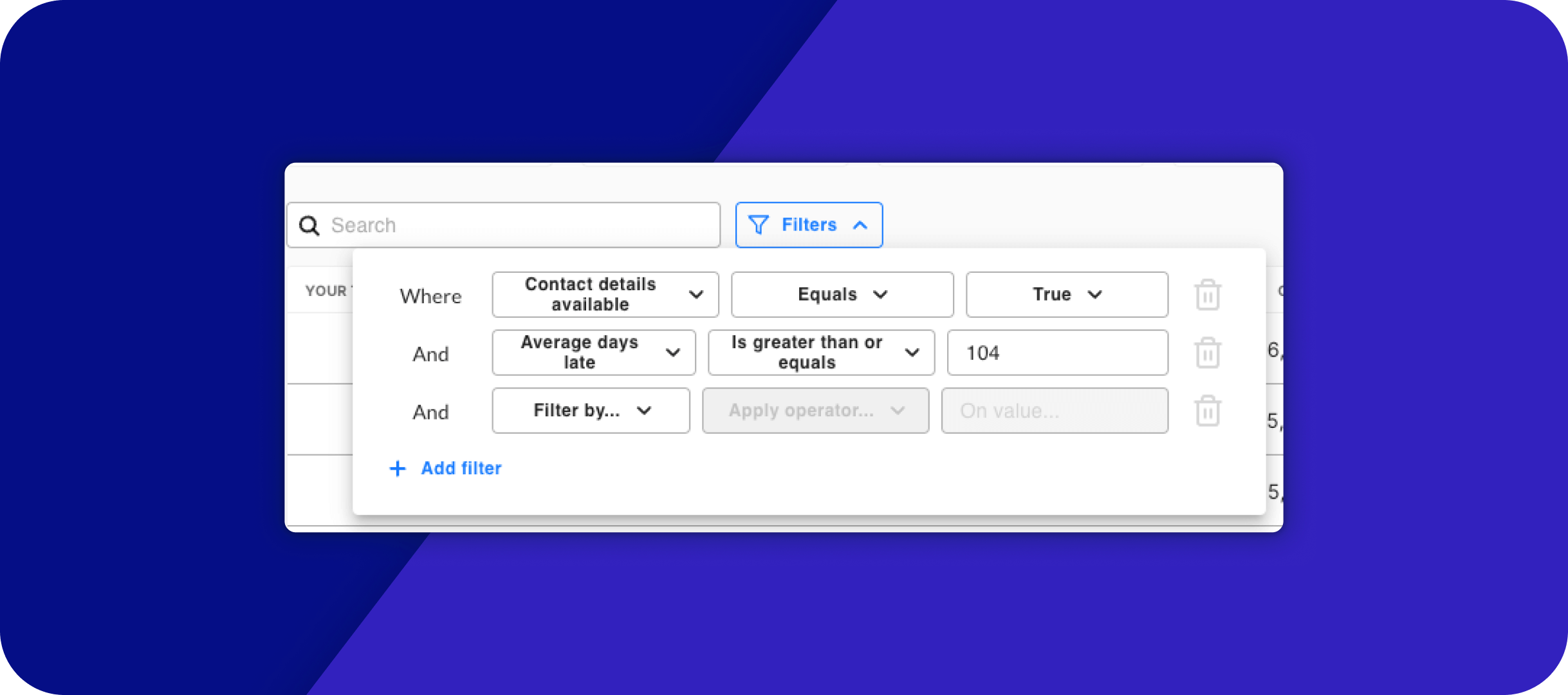
Build portfolio-specific reports with AI: Customer portfolios are now available through the Kolleno MCP connector. AI tools like Claude can filter by them to build reports and dashboards that fit exactly what your team needs.
⏭️ What’s Next?
Here is what our team is working on for upcoming releases:
- Cash Flow Forecasting: configurable, invoice-level forecasting.
- AP Portal integrations: SAP Ariba and Coupa, for invoice status sync and submission.
- Reconciliation rules: configurable matching rules with further customization.
- Task Manager notifications: a single view of new events and activity, so you can spot new emails, promises to pay, and more.
- Email assignment logic: set the order in which email assignment rules run.
- NetSuite self-serve: adapt the integration yourself whenever your NetSuite setup changes.
Ready to try these features? 👉 Log into Kolleno
- 📋 A Task List Built Around You
- ⚙️ Sharper, More Precise Workflows
- 📝 Tidier Notes, Trusted Records
- ✍️ Forms and Signatures, All in One System
- 💵 Smoother Uploads, Sharper Reconciliation
- 💳 Easier Payments for Every Customer
- 📊 Better Statements, Clearer Trends
- 🔗 Tighter Integrations, Smoother Sync
- 🛡️ Stronger Control Over Access
- ⏭️ What’s Next?