Finance teams spend a disproportionate amount of time chasing down what happened with a customer, digging through inboxes, cross-referencing spreadsheets, trying to remember where a dispute was left.
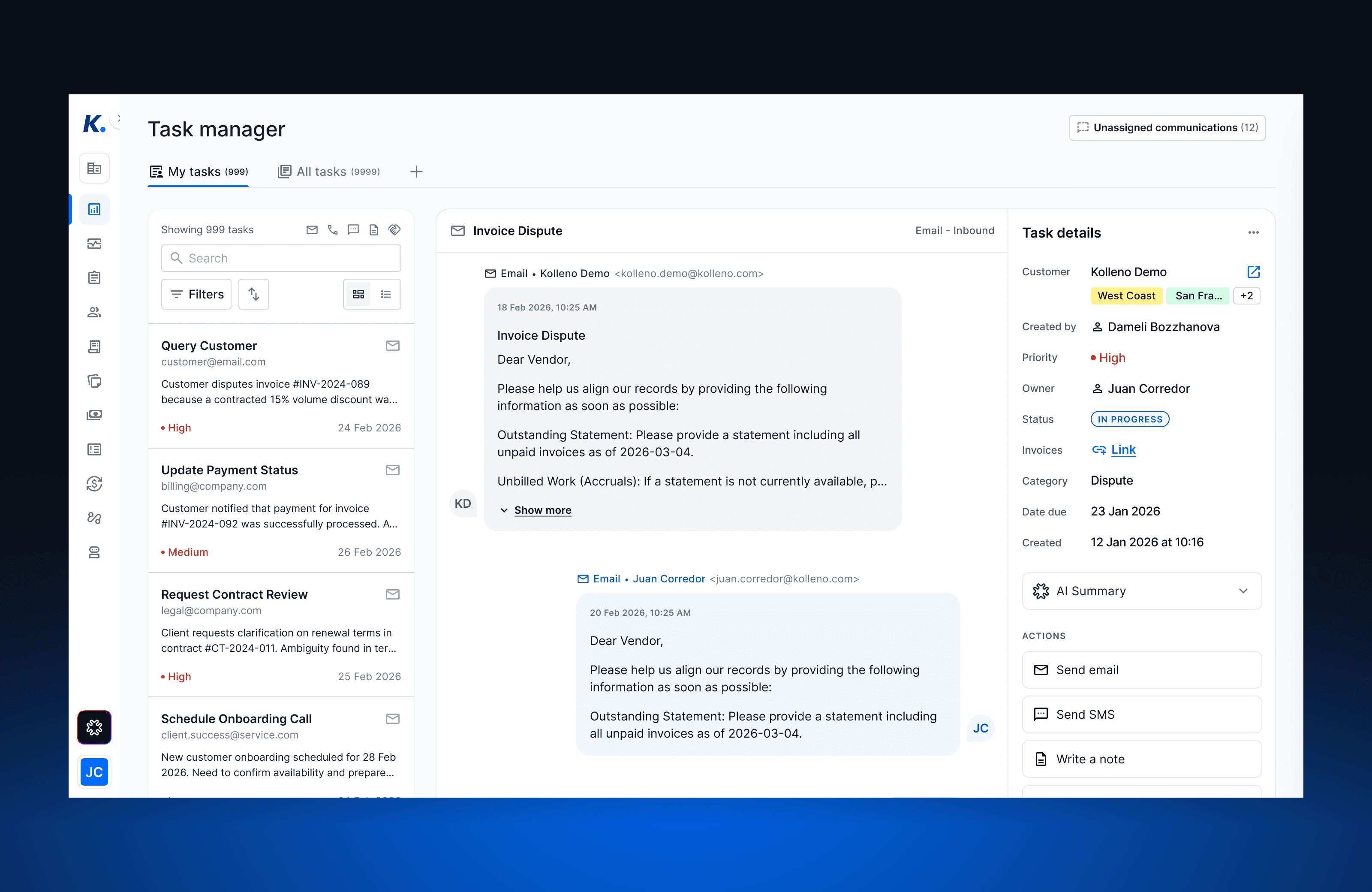
Today, we’re releasing a complete rebuild of the Task Manager. It replaces Collectors Tasks with a structured, AI-powered workspace that connects every customer communication, financial record, and action into one place — and keeps it current automatically.
What We Built, and Why
The old Collectors Tasks gave teams a flat list of actions with no grouping, no ownership, and no context. If a customer raised a dispute that spawned a dozen emails and three follow-up calls over two weeks, there was no way to see that as a single thing. Every action was isolated.
The new Task Manager is built around a different model: a task is the container for an entire customer issue, from first contact to resolution. Every email, call, note, payment reference, and action lives inside that task. The team member responsible owns it. And the AI keeps the whole thing moving.
How It Works
A Three-Panel Workspace
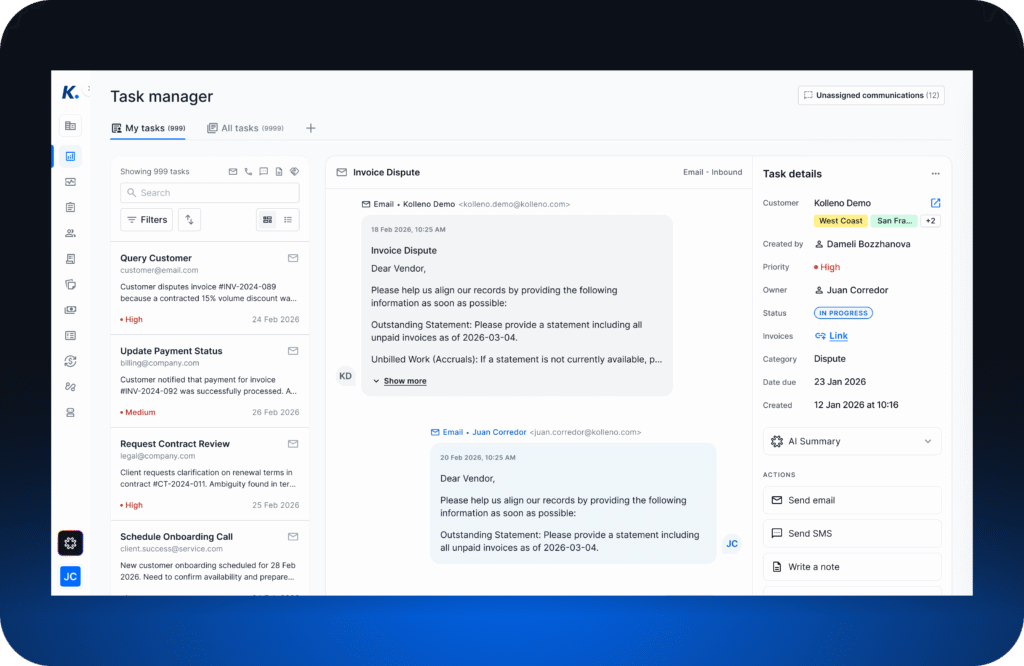
The Task Manager is organized into three panels that work together:
- Task Properties — the editable details panel: priority, status, assignee, category, due date, and linked invoices.
- Task Queue — a prioritized list of everything open. Filter by category, owner, due date, or status. Switch between your personal queue and the team view in one click.
- Task Timeline — the full history of the selected task: every inbound email, outbound reply, call log, note, and payment event, in chronological order.
Tasks can be created three ways: automatically from an inbound email, automatically from a workflow trigger, or manually by any user. When a task is created automatically, the AI immediately links the full email thread and any related invoice or credit note references, no manual tagging required.
The AI Layer
Two AI agents are running inside every task.
The Linker Agent
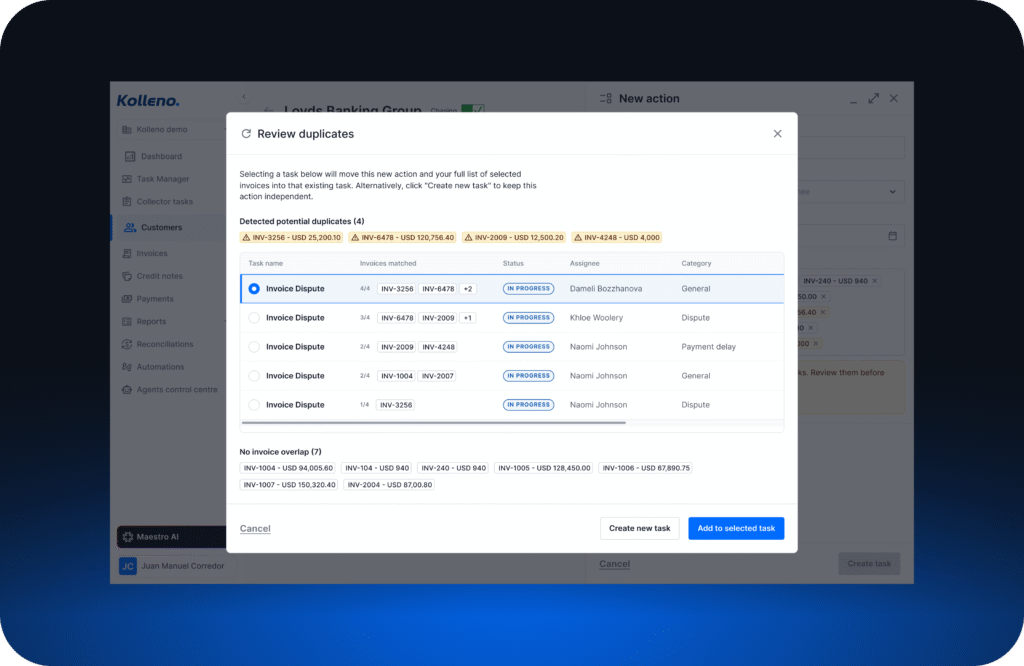
Every time a new communication arrives, an email, call, SMS, or note — the Linker Agent reads it and makes a decision: does this belong to an existing open task for this customer, or does it need a new one?
For inbound communications, it defaults to Link & Create mode: it will either open a new task or attach to an existing one, depending on context. For outbound communications (sent emails, outbound calls, notes), it defaults to Link Only: it attaches to an existing task and never creates a duplicate.
It also runs Cascade Linking: once a communication is linked, the agent automatically pulls in the full email thread and any referenced invoices, credit notes, or transactions — linking the complete financial picture to the task in seconds.
The Planner Agent
Around 5–10 seconds after a communication is linked, the Planner Agent reads the full task context and proposes what should happen next. It can:
- Update the task’s status, priority, and due date as new information comes in
- Suggest the next best action (email reply, call, Promise to Pay, internal note)
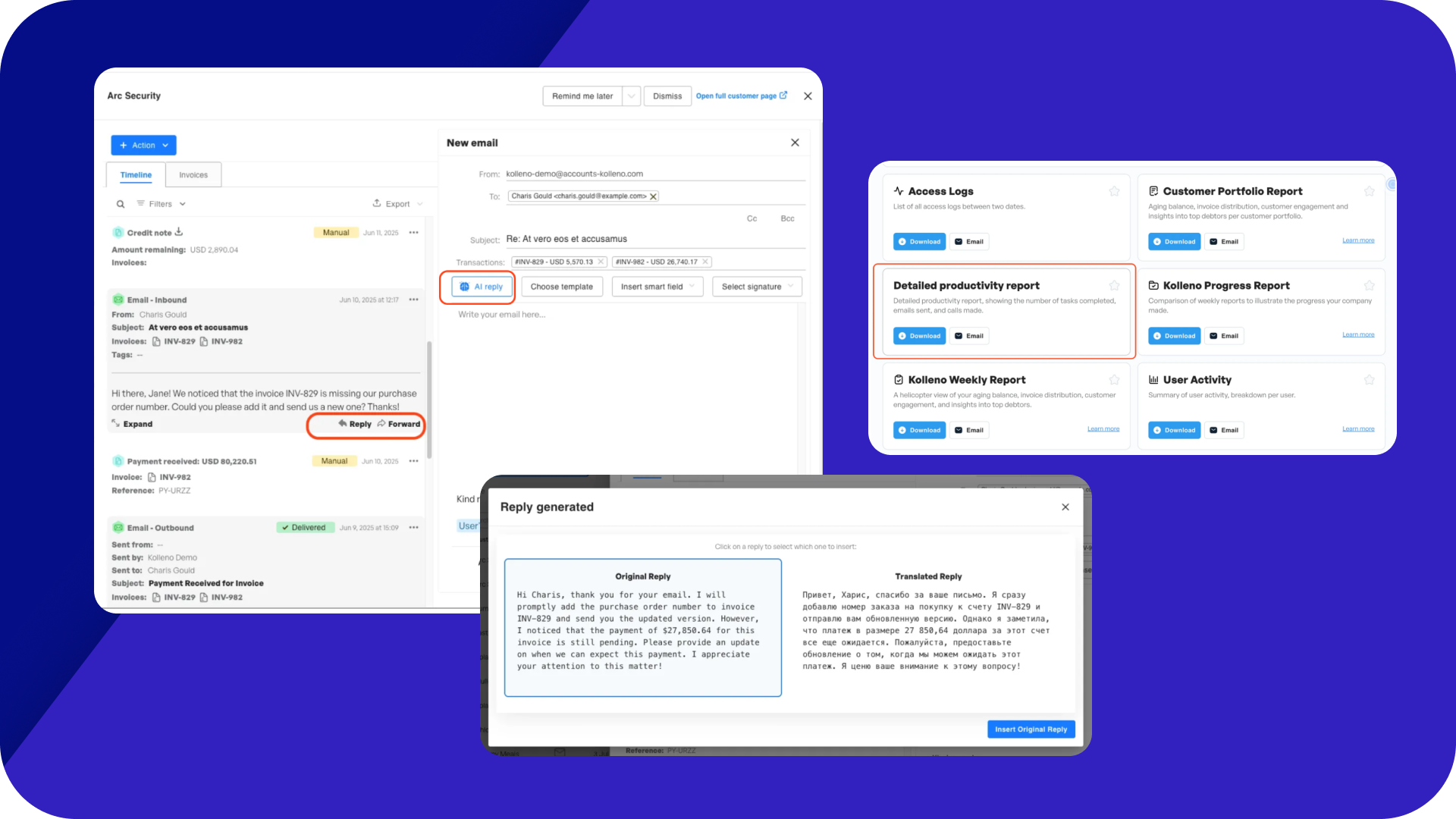
- Pre-draft email replies based on the task history and the AI playbook for that category
- Auto-mark actions as complete when the context makes it clear they’re done
The Planner only runs for tasks that have a category assigned and have AI Behavior enabled. It won’t touch tasks created by workflows (which follow their own defined path), or tasks that are already completed or dismissed.
AI Summary and AI Resolution
Every task carries two AI-generated fields that update automatically:
AI Summary — a short, plain-language description of what’s currently happening: who contacted you, what the issue is, and where things stand. It refreshes every time a new communication is linked, an action changes, or the task status updates. No more reading back through a hundred emails to get up to speed.
AI Resolution — when a task is marked as “Completed”, the AI automatically writes a resolution summary describing what happened and how it was resolved. If your team has already written one manually, the AI won’t overwrite it.
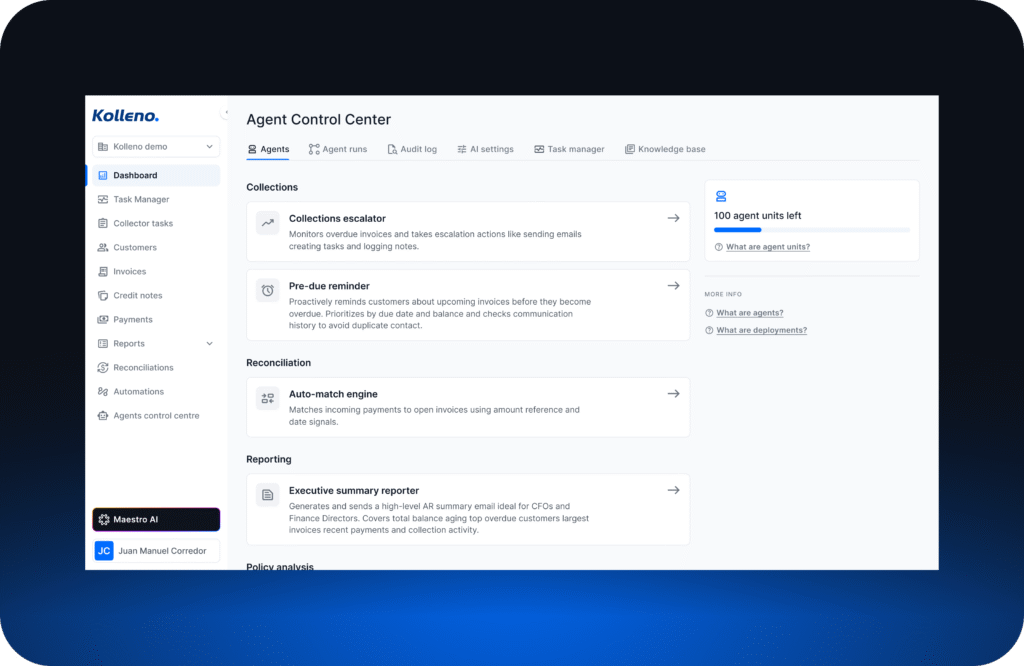
Configuring the AI: The Control Centre
Finance and operations leads have full control over how the AI behaves through the AI Control Centre.
There they can find a company-wide on/off switch for AI action planning. Below that, each task category has its own settings:
- Off — the AI classifies and links communications, but takes no further action
- Adjust details only — the AI updates task details but doesn’t suggest actions
- Full AI — the AI suggests actions and drafts content
Ten categories come built-in: Dispute, Promise to Pay, Chargeback, General Query, Communication Issue, and others. All are editable. You can customise the Classification Description (how the AI recognizes which category a task belongs to) and the Task Playbook (the instructions the AI follows when planning next steps for that category). Changes are never overwritten by platform updates.
Each category also has an Allowed Actions list — the action types the AI is permitted to suggest. If an action isn’t on the list, the AI won’t propose it, regardless of what the playbook says.
The AI Playground
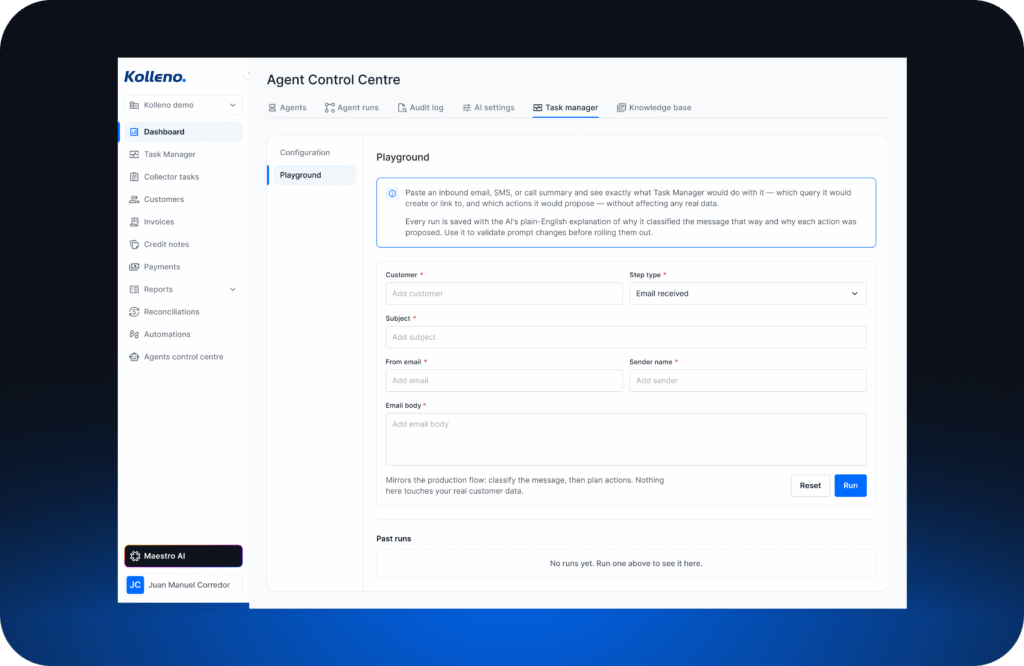
Before any of this touches your live queue, you can test it. The AI Playground lets you paste in any sample email and see exactly what the AI would do: which category it would assign, whether it would create a new task or link to an existing one, which actions it would propose, what draft it would write, and a plain-English explanation of its reasoning at each step. Nothing is saved or executed.
Collaboration and Team Visibility
Tasks can be worked by more than one person. Each action within a task can be assigned to a different team member with its own due date. The task owner maintains full oversight; each collaborator sees their assigned actions in their personal queue.
Notifications fire when a task is assigned, when a collaborator completes a step, or when a task becomes overdue.
Bulk actions let managers process at scale: select multiple tasks and reassign, close, update status, or export in a single operation.
Custom views let teams build and save filtered tabs — by category, owner, status, or any combination — so everyone starts the day with exactly the queue they need.
The Transition from Collectors Tasks
Collectors Tasks will be deprecated at the end of June 2026. During the transition, both systems run side by side. They’re connected: marking a task as Completed or Dismissed in the new Task Manager automatically propagates to the linked Collectors Task. Replying to an email from within a task closes the corresponding Collectors Task action automatically.
Existing open Collectors Tasks will be migrated automatically during the mid-June migration window.
What’s Next?
The current release is the foundation. On the immediate roadmap:
- AI Playground improvements — expanded dry-run scenarios and saved test cases
- Linking & Unlinking Records — manually attach or detach invoices, credit notes, and other records directly from the task panel
- Manager-Level Views — tab view permissions configurable by team, individual user, or company-wide
- Deeper Workflow Integration — trigger tasks from record-level events, such as a tag applied to an invoice or customer record
Get Started
The Task Manager is live now. Full documentation is available in the Task Manager Help Centre.
To configure your AI playbooks, set up custom views, or get your team onboarded, reach out to your Customer Success Manager.
Ready to try these features? 👉 Log into Kolleno