










Your accounts receivable (AR) team sends reminders. They reconcile payments manually. They log disputes in spreadsheets. Cash flow still surprises you at month-end. Accounts receivable automation changes that equation by handling repetitive, error-prone work consistently at scale.”
In this guide, we’ll cover:
- What accounts receivable automation is and how it works
- The core benefits for finance teams and the wider business
- Key components of an AR automation system
- How AI is reshaping the AR function
- How to implement AR automation and what to watch out for
- What to look for when evaluating AR software
What Is Accounts Receivable Automation?
For most B2B businesses, AR represents a significant portion of working capital.
AR automation uses software to handle the tasks that make up the invoice-to-cash cycle: generating invoices, delivering them across channels, tracking payment status, applying cash to open invoices, sending reminders, and producing AR reports. What was once a manual, team-intensive workflow becomes a largely orchestrated process.
What Automation Replaces
Manual AR requires staff to cross-reference spreadsheets, write individual follow-up emails, log payment activity by hand, and reconcile discrepancies between ERP records and bank statements.
Automation applies your credit policy and escalation rules consistently across each step.
The Benefits of Accounts Receivable Automation Software
Faster Payments and Reduced DSO
Days sales outstanding (DSO) measures how long it takes to collect payment after a sale. Manual processes leave invoices unacknowledged and reminders unsent. Automated workflows ensure every invoice is followed up on time, shortening the payment cycle and improving cash flow predictability.
Fewer Errors
Manual data entry introduces mistakes in invoice amounts, due dates, and payment application. Automation applies consistent logic across every transaction, reducing reconciliation errors and the time your team spends correcting them.
Operational Efficiency
Payment reminders, dunning sequences, and cash application run automatically. Your AR managers can focus on complex accounts, credit decisions, and relationship management rather than routine follow-up.
Scalability
As transaction volumes grow, manual AR breaks down. More invoices mean more follow-ups, more reconciliation, and a greater risk of things falling through the cracks. Automation scales with your business without requiring proportional increases in headcount.
Better Visibility
Real-time data gives finance leaders an accurate picture of outstanding receivables, aging balances, and payment risk at any moment. That visibility drives better cash flow forecasting and more informed credit decisions.
How AR Automation Software Works
Invoice Generation and Delivery
AR automation platforms generate invoices from ERP or billing data and deliver them through the customer’s preferred channel: email, customer portal, EDI, or accounts payable platforms. Delivery confirmation and open tracking are logged automatically.
Payment Reminders and Dunning
Dunning is the process of following up with customers who have not paid. Automation applies a structured sequence of reminders at defined intervals, with message tone and channel escalating as the invoice ages. You configure the rules; the platform executes them consistently across every account.
Cash Application
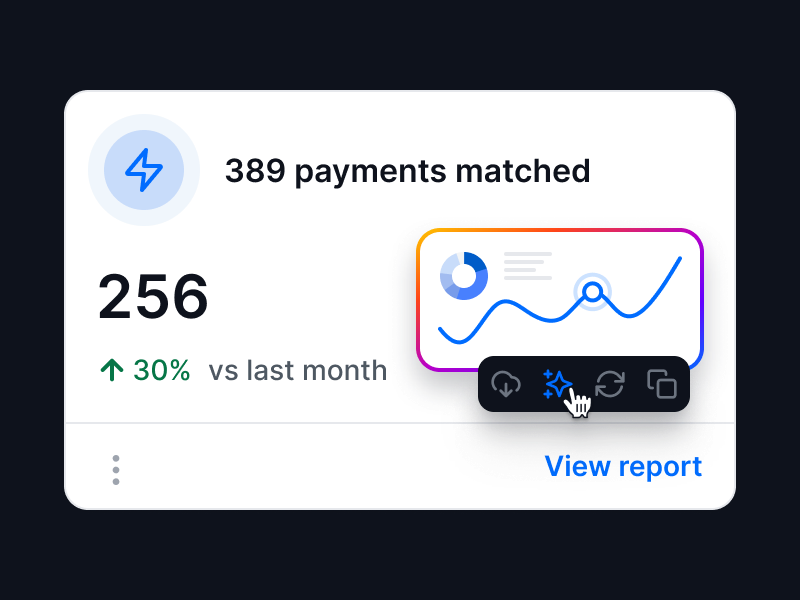
Automated cash application uses remittance data, reference numbers, and payment patterns to apply payments accurately and flag exceptions for human review.
Credit Management
Automated credit checks assess customer risk at onboarding and flag deteriorating credit profiles on existing accounts. This allows finance teams to proactively adjust credit limits and payment terms, reducing exposure to bad debt.
Reporting and Forecasting
AR automation produces aging reports, DSO trends, and payment behavior analytics without manual compilation. Some platforms extend this into predictive forecasting, using payment history to estimate when specific invoices are likely to be paid.
ERP and CRM Integration
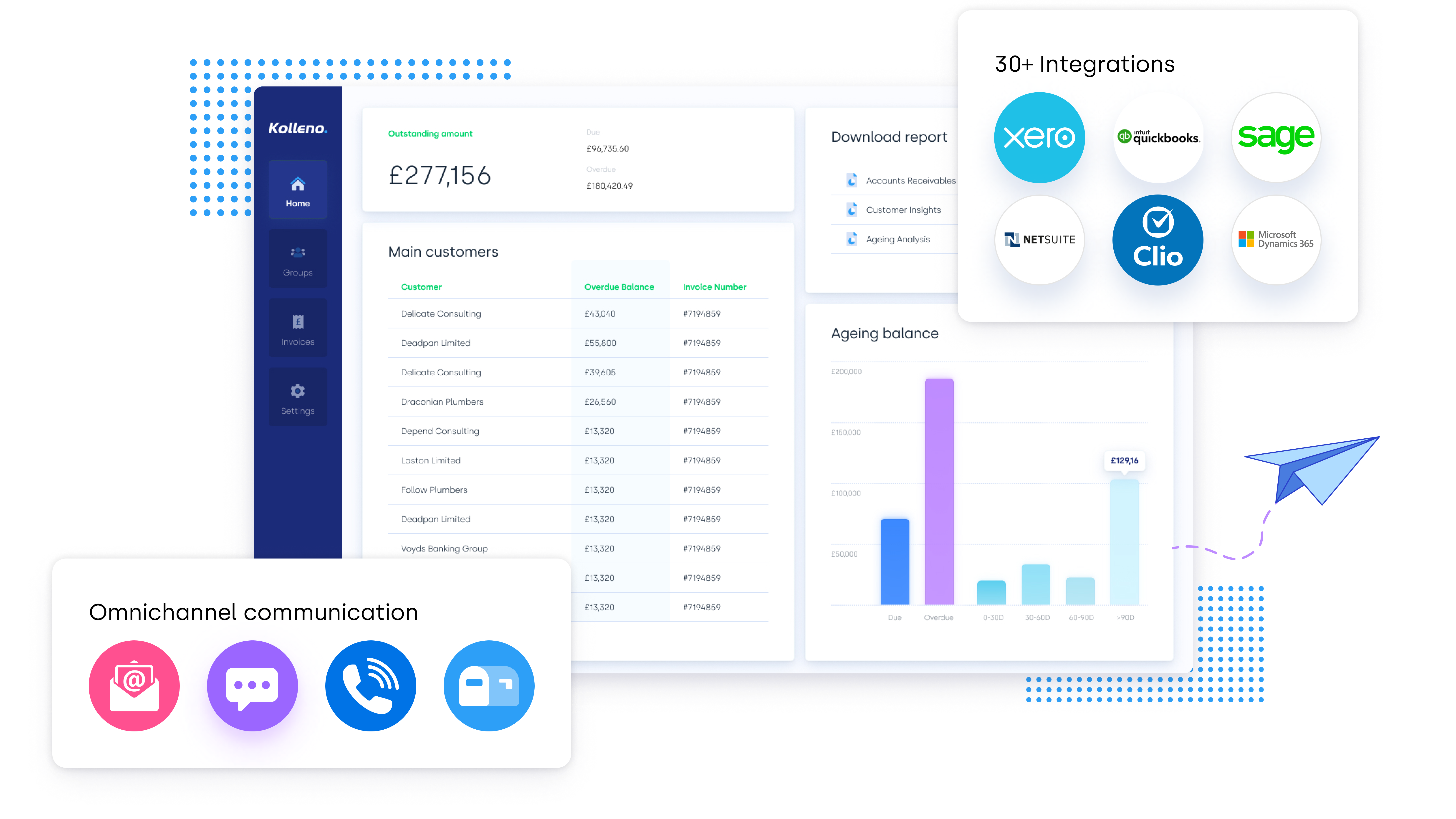
For AR automation to work, it needs to connect to your existing systems. Modern platforms integrate with ERP systems such as NetSuite, Microsoft Dynamics 365, SAP, Oracle Fusion, Sage Intacct, and QuickBooks, as well as CRM systems such as Salesforce and HubSpot. Integration ensures data flows accurately in both directions without manual exports.
The Role of AI in Accounts Receivable Software
Rule-based automation handles structured, predictable tasks reliably. AI goes further by identifying patterns and supporting decisions that rigid rules alone cannot easily handle.
Predictive Payment Analytics
AI models analyze historical payment behavior to estimate the likelihood and timing of future payments. Finance teams can use this to prioritize collection effort on accounts that are genuinely at risk rather than treating all overdue invoices the same way.
Intelligent Communication
AI-driven AR systems personalize outreach based on customer payment patterns. A customer who consistently pays two weeks late receives a different reminder cadence than one who typically pays on time. This improves communication effectiveness without requiring manual segmentation.
Automated Dispute Detection
AI can flag likely disputes early by identifying mismatches between invoice amounts and payment history or spotting patterns associated with customers who frequently raise disputes..
AI and Your Team
AI in AR does not replace finance professionals. It acts as a force multiplier, handling execution while your team retains oversight, makes strategic decisions, and manages the customer relationships that require human judgment. Finance leaders remain in control of the credit policy and the escalation logic that governs what the system does.
Best Practices for Implementing AR Automation Solutions
Assess Your Current Process
Before selecting a platform, document your existing AR workflow. Identify where delays happen, where errors occur most frequently, and what your current DSO looks like. These metrics form your baseline for measuring improvement.
Align Stakeholders and Map Integrations
AR automation affects finance, IT, and often sales teams. Bring them into the evaluation process early. Map every system the platform will need to connect to, including your ERP, CRM, payment gateway, and banking infrastructure. Data migration planning, particularly from legacy systems, needs to happen at this stage, not as an afterthought.
Configure, Train, and Roll Out
Configure your credit policies, dunning sequences, and escalation rules before go-live. Run a pilot with a defined customer segment before full deployment. Invest in team training: your AR managers need to understand how to interpret the platform’s outputs and when to intervene.
Change management matters here. Staff who understand that the platform handles execution while they retain strategic control adapt more quickly than those who feel replaced by it.
Monitor and Optimize
Establish KPIs from day one: DSO, collection rate, percentage of invoices paid on time, and bad debt ratio. Review them regularly. Use the platform’s analytics to identify where the process still has friction and refine your configuration accordingly.
What to Look for in AR Automation Software
Breadth of AR Coverage
Some platforms automate invoicing only. Others cover the full invoice-to-cash cycle: invoicing, reminders, cash application, disputes, credit, and reporting. Understand which parts of your AR process need to be addressed before you evaluate features.
Integration Depth
A platform that cannot connect reliably to your ERP creates more manual work, not less. Verify that the platform supports your specific ERP version, not just a general integration category.
Scalability and Global Support
If your business operates across multiple currencies or jurisdictions, confirm that the platform supports multi-currency invoicing, localized e-invoicing requirements, and regional regulatory compliance.
Implementation Timeline and Ongoing Support
Implementation timelines vary significantly. Ask vendors for realistic estimates based on your ERP and data volume. Ongoing support quality affects whether you get value from the platform after the initial rollout, so evaluate this carefully alongside features.
Pricing Model
AR automation platforms typically price on subscription models, often based on transaction volume, user count, or module selection. Some separate core AR functionality from advanced AI capabilities. Get clarity on total cost of ownership, including implementation fees, before committing.
How Kolleno Automates the Accounts Receivable Process
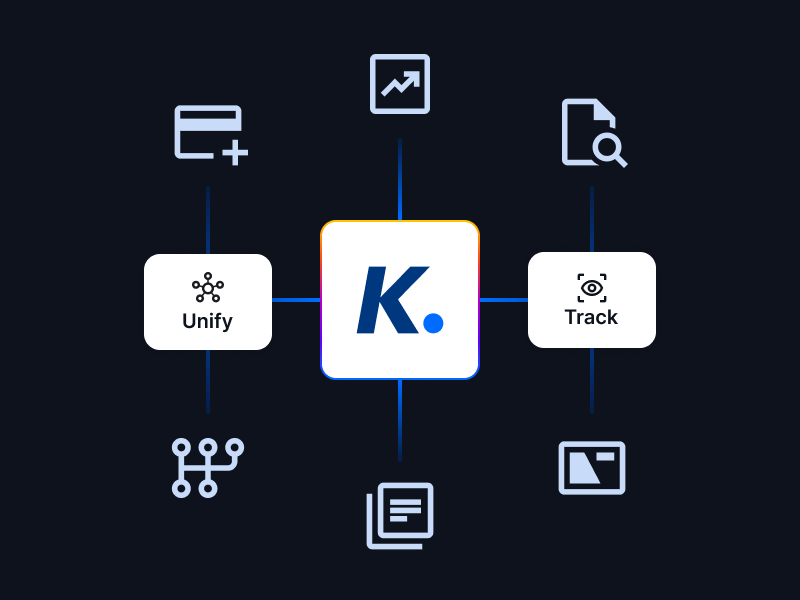
Kolleno is an AI-forward O2C platform that deploys task-specific AI Agents across the accounts receivable function. These digital workers handle collections outreach, cash application, dispute routing, and credit risk monitoring, operating within the rules and policies your team defines.
The platform integrates with NetSuite, Salesforce, HubSpot, Microsoft Dynamics 365, Xero, QuickBooks, Sage Intacct, Oracle Fusion, SAP, and others, so your AR data stays in sync without manual intervention.
Final Thoughts
Accounts receivable automation addresses a real operational problem: the gap between the effort finance teams devote to collections and the resulting unpredictability in cash flow. The solution is not to work harder at a broken process. It’s to build a system that executes consistently, surfaces the right information at the right time, and lets your team focus where human judgment actually makes a difference.
If you want to see what that looks like in practice, book a demo.
Frequently Asked Questions
Can you fully automate accounts receivable?
You can automate the majority of the AR process, including invoicing, reminders, cash application, and reporting. Certain tasks, such as managing complex disputes, making credit exceptions, or handling key customer relationships, still benefit from human judgment. The goal is not full automation but freeing your team from routine execution so they can focus on strategic decisions.
How long does AR automation implementation take?
Implementation timelines depend on your ERP, data volume, and the number of systems involved. A straightforward implementation with a modern ERP typically takes four to twelve weeks. More complex deployments involving legacy systems, multiple integrations, or large customer data sets can take longer. A phased rollout starting with a pilot group reduces risk and accelerates time to value.
Will AR automation replace our AR team?
No. AR automation handles execution: sending reminders, applying cash, generating reports. Your AR managers and credit controllers shift from manual administration to system orchestration, exception review, at-risk account management, and strategic judgment. The platform amplifies what your team can do rather than replacing their role in the organization.
Does AR automation integrate with existing ERP systems?
Most enterprise AR automation platforms integrate with major ERPs including NetSuite, Microsoft Dynamics 365, SAP, Oracle Fusion, Sage Intacct, QuickBooks, and Xero. Integration depth varies by vendor. Before committing, verify that the integration supports your specific ERP version and that data flows accurately in both directions.
- What Is Accounts Receivable Automation?
- The Benefits of Accounts Receivable Automation Software
- How AR Automation Software Works
- The Role of AI in Accounts Receivable Software
- Best Practices for Implementing AR Automation Solutions
- What to Look for in AR Automation Software
- How Kolleno Automates the Accounts Receivable Process
- Final Thoughts
- Frequently Asked Questions